GB Studio Dialogue Review Exporter
A downloadable tool
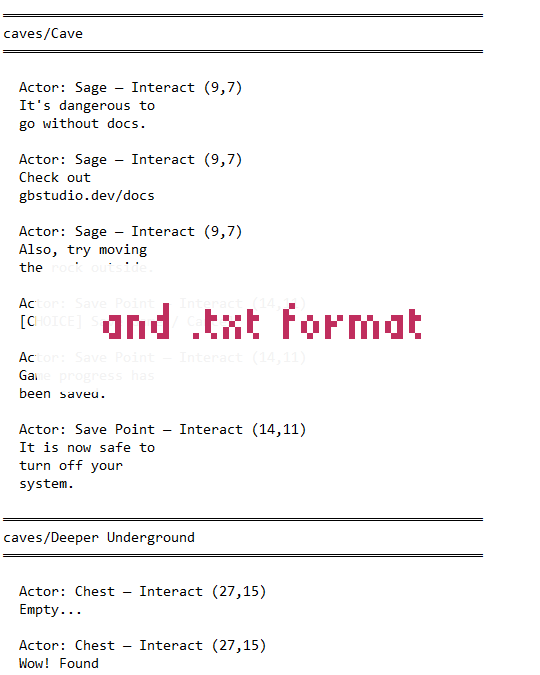
GB Studio Dialogue Review Exporter is a browser-based tool that reads your GB Studio project files and exports all dialogue content to .txt and .csv formats - no installation required.
What it exports:
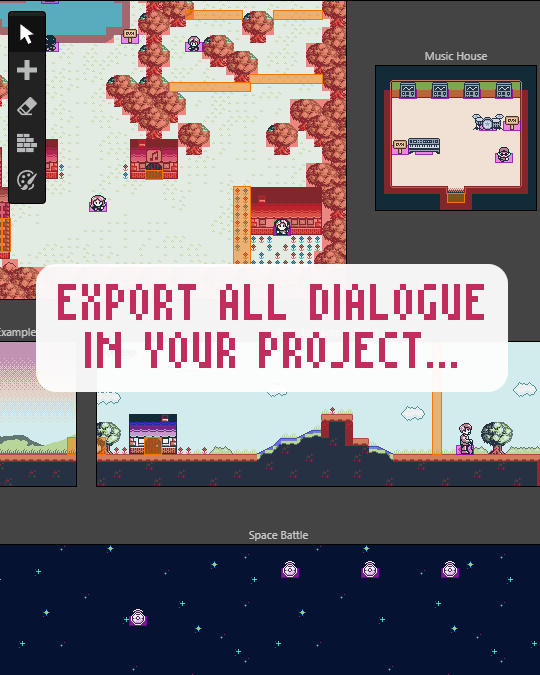
- All Display Dialogue, Display Multiple Choice, Display Menu, and Draw Text events across every scene, actor, trigger, and script
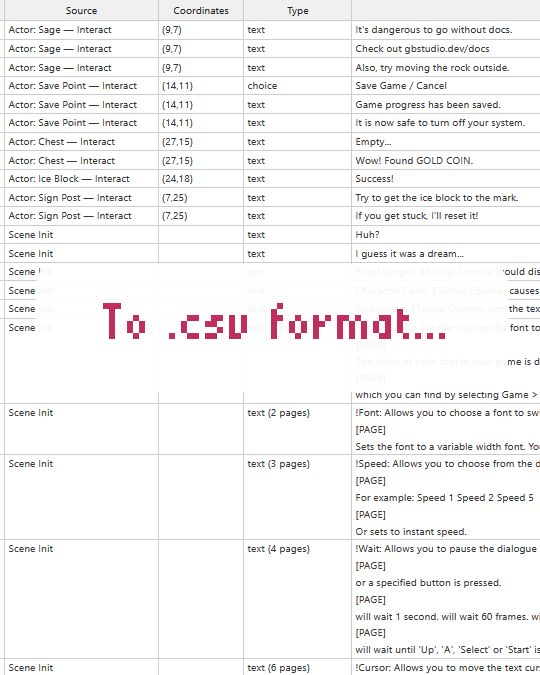
- The source and tile coordinates of each entry so you know exactly where it lives in your project
- Global variable references resolved to their names, plus annotations for local variables, temp variables, and custom script parameters
- Text command annotations — font changes, text speed, wait commands, cursor positioning, and GBVM escape sequences identified and explained in a dedicated column
- A glossary of all text commands and formatting variables found in your dialogue, appended to both exports
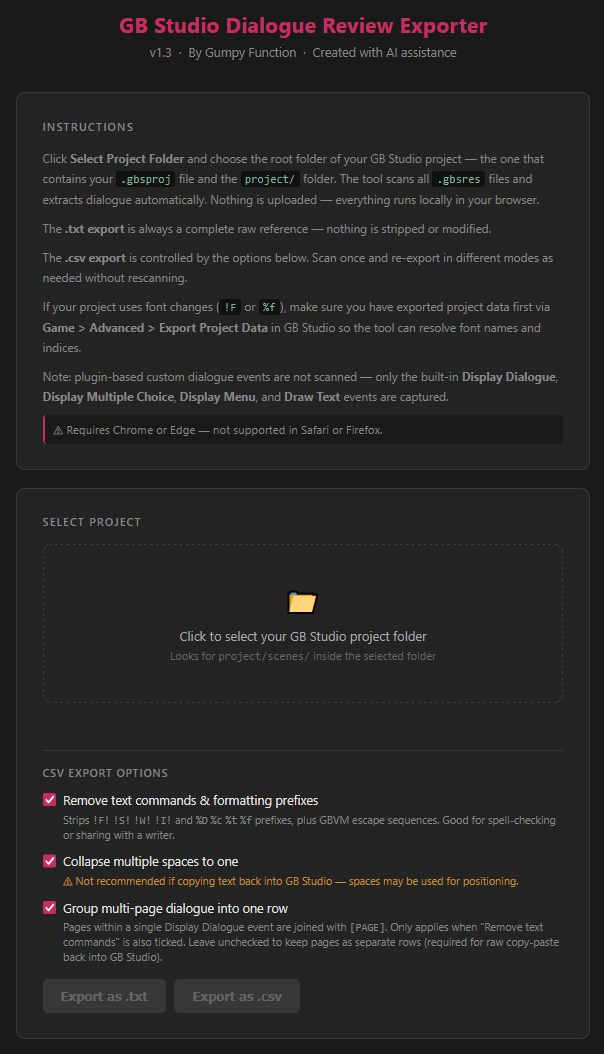
CSV export options (controlled by checkboxes before export):
- Remove text commands & formatting prefixes — strips all
!F!!S!!W!!I!tokens and%D%c%t%fprefixes, plus GBVM escape sequences. Good for spell-checking or sharing with a writer. - Collapse multiple spaces to one — tidies up dialogue that uses spaces for manual text positioning.
- Group multi-page dialogue into one row — joins pages with
[PAGE]separators to help view text as seen in-game.
The .txt export is always a complete raw reference — nothing is stripped or modified.
Exported files are named using your project name (e.g. my-game-dialogue-review-clean.csv).
Preview panel: after scanning, all dialogue is displayed in a searchable preview. Type to filter across all scenes — matches are highlighted in real time.
Use it for:
- Spell checking your project's dialogue
- Sharing dialogue with a writer or editor outside of GB Studio
- Translation and localisation preparation
- Tracking down dialogue buried in triggers or actor scripts using scene and coordinate info
How to use:
- Download the
.htmlfile - Open it directly in Chrome or Edge
- Click the folder zone and select your GB Studio project root folder
- Set your CSV export options if needed
- Click Export as .txt or Export as .csv
Requirements: Chrome or Edge only. Not supported in Safari or Firefox. Mac users should use Chrome or Edge instead of Safari.
Created by Gumpy Function with AI assistance (Claude, Anthropic).
Download
Click download now to get access to the following files:
Development log
- The Making of the Dialogue Review Exporter ToolApr 26, 2026
Leave a comment
Log in with itch.io to leave a comment.